

I’ve been obsessed with application launchers for as long as I can remember. Back in the day I was using Synapse on Ubuntu, which at the time felt like magic: press a shortcut, type a few letters, hit enter, done. No mouse, no hunting through menus. That stuck with me.
Over the years I went through pretty much every launcher available on Linux: Synapse, Kupfer, Albert, Rofi, Ulauncher. When I was on Windows I used Keypirinha for years and got so deep into it that I built several plugins and even created a theme builder for it. Launchers are my thing.
Some were fast but had no extension system. Others were extensible but clunky. Rofi is flexible, but configuring it feels like writing a dissertation (I used it extensively with i3). Albert had potential but development stalled. Ulauncher was decent but always felt limited.
Then I found Vicinae.
What is Vicinae
Vicinae calls itself “the everything launcher”. In my day-to-day use, that means one shortcut for launching apps, searching files, clipboard history, calculator, emoji picker, window switching, and browser tabs.
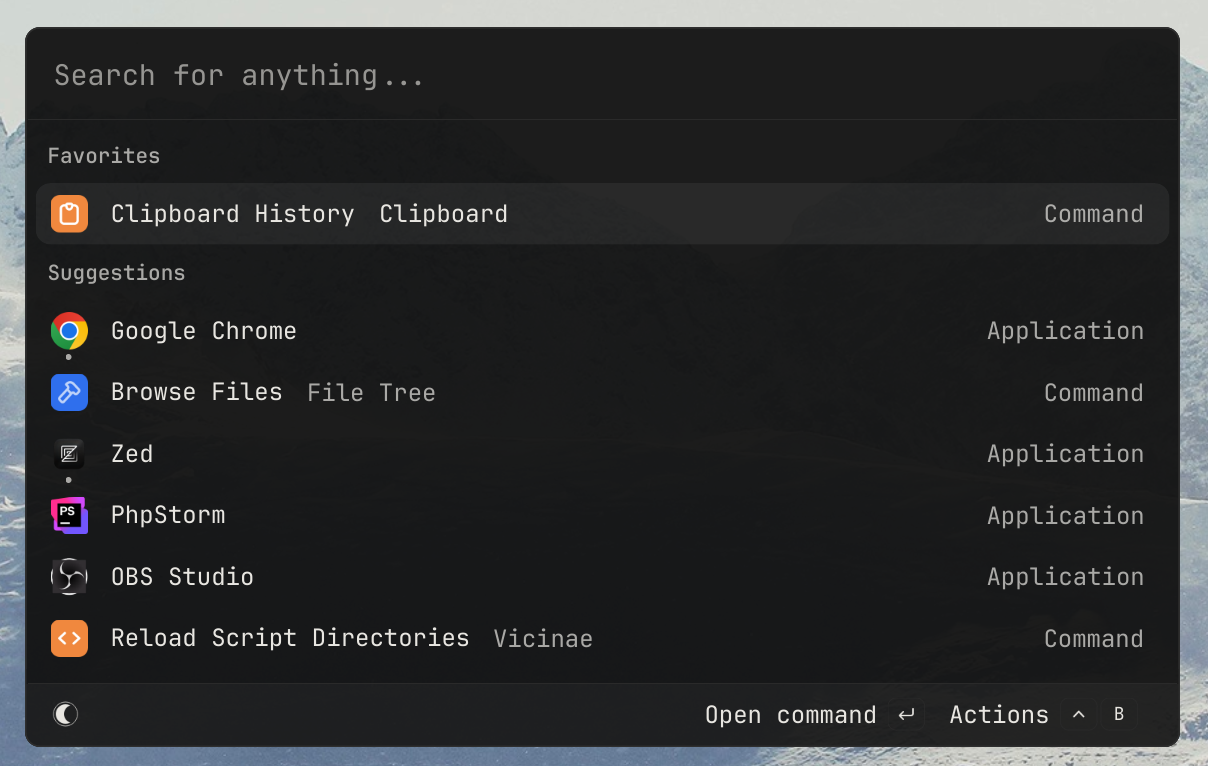

It works on X11, Hyprland, GNOME, KDE, and Niri, which is what I use now. The important part for me is that the shortcut opens immediately and the keyboard stays in control.
First impressions
The first thing that struck me is how fast it is. There’s no perceptible delay between pressing the shortcut and the window appearing. Coming from Ulauncher, where there was always a slight pause, this felt immediate. The search is also instant: results update as you type with no lag.

Themes are built in, and you can customize colors without editing CSS files by hand.
Built-in modules
By default it includes:
- App launcher: searches installed applications, as expected
- File search: finds files across your system
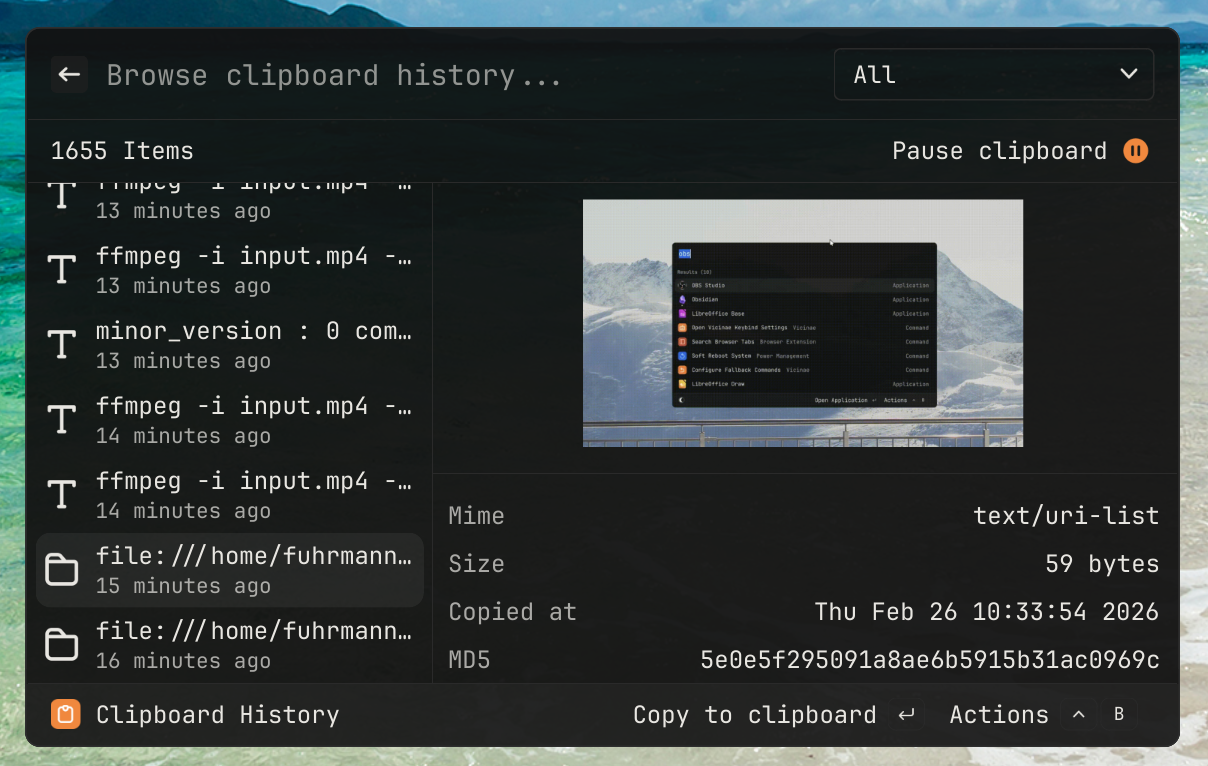
- Clipboard history: keeps track of everything you’ve copied
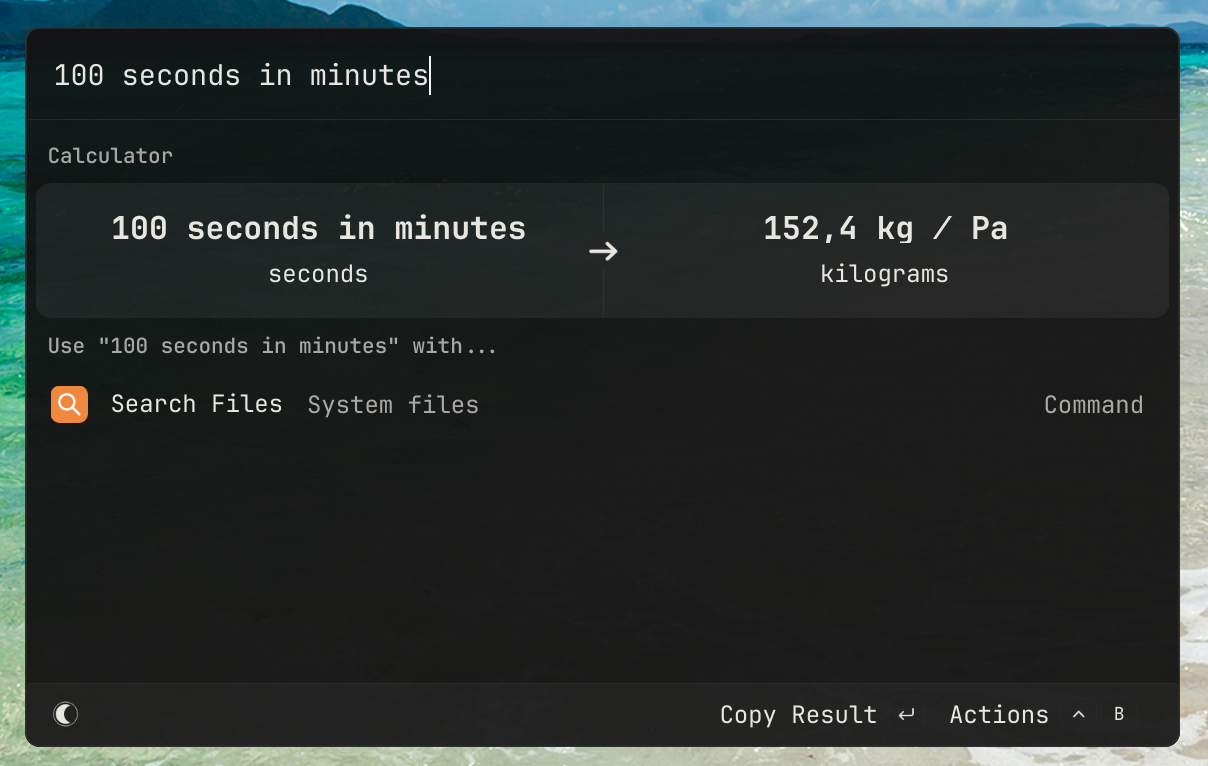
- Calculator: quick math without opening a terminal
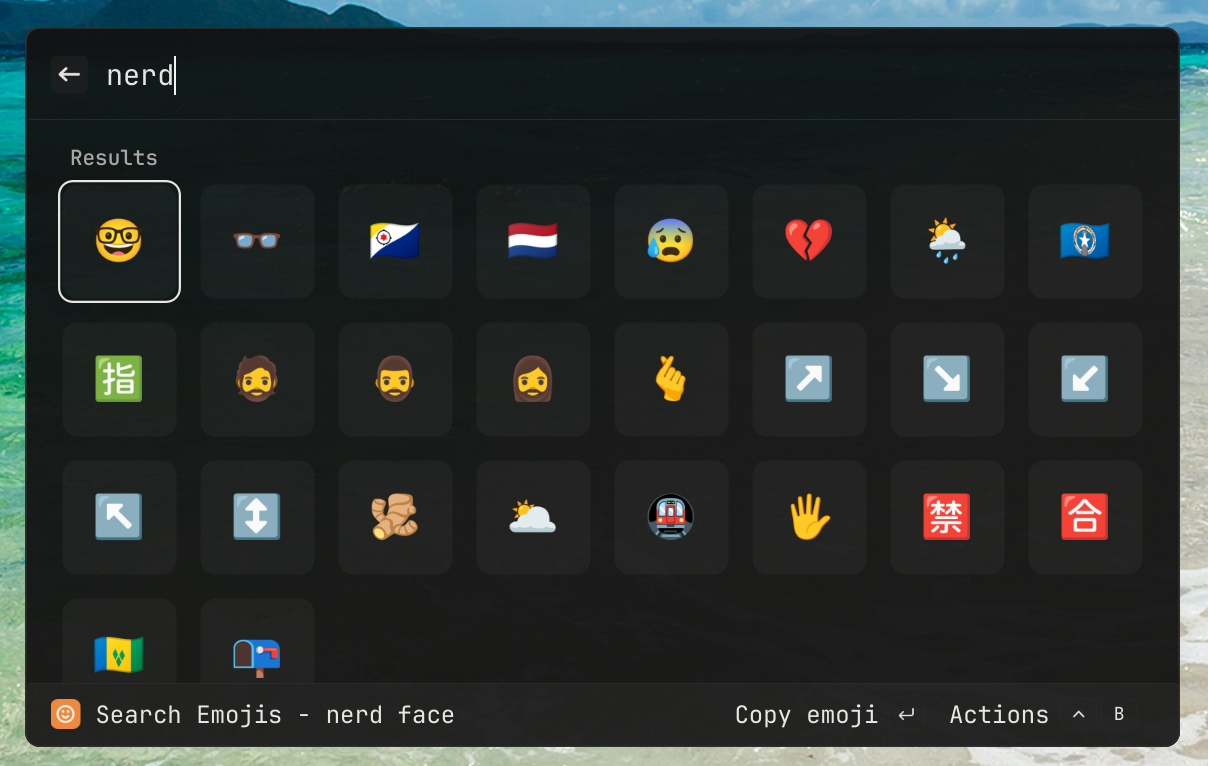
- Emoji picker: search and paste emojis
- Window management: switch between open windows
- Browser tabs: search and jump to open browser tabs
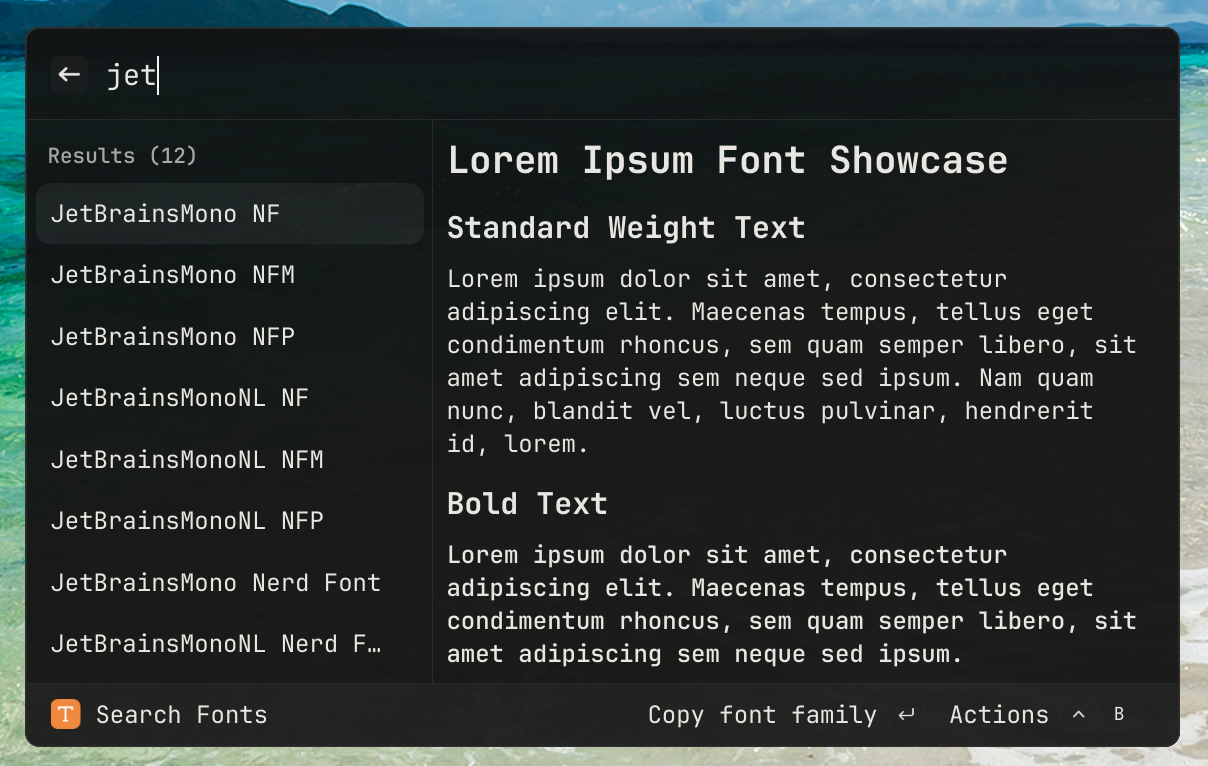
- Fonts: browse system fonts
- Power management: shutdown, reboot, suspend from the launcher
The main modules are already enabled on first launch, so I could test the core workflow before touching plugins or extensions:
Script commands
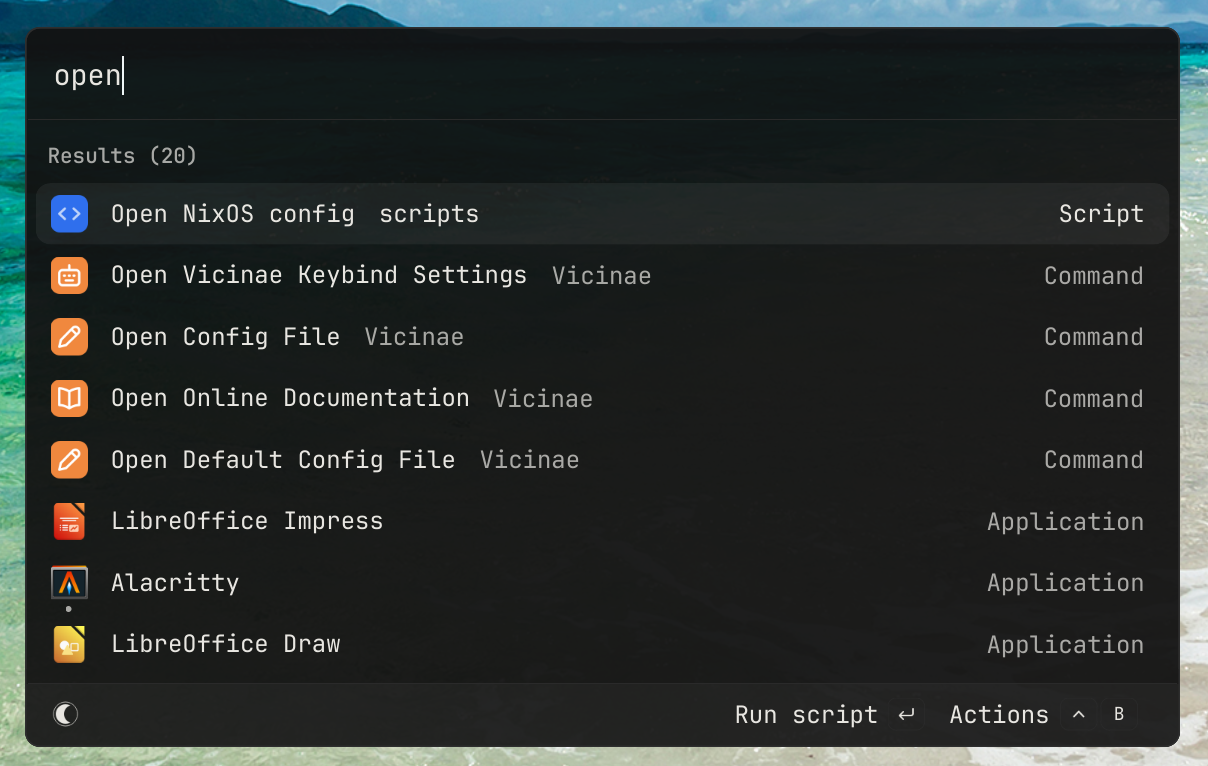
One feature I particularly like is script commands. You can write simple shell scripts with a few metadata directives and Vicinae will index them and show them in search results. I wrote about this in my NixOS setup article, but here’s a quick example:
#!/usr/bin/env bash
# @vicinae.schemaVersion 1
# @vicinae.title Open NixOS config
# @vicinae.mode silent

subl ~/nixos
Drop the script in your scripts directory, reload, and it shows up as a searchable command. That is enough for the kind of small commands I usually want in a launcher; I do not need a full plugin API just to run a shell script.
Extensibility
Beyond script commands, Vicinae has a TypeScript SDK for building extensions with React. You can create full-blown UI extensions without needing a browser runtime. It also has a dmenu compatibility mode, so existing dmenu scripts work with it.
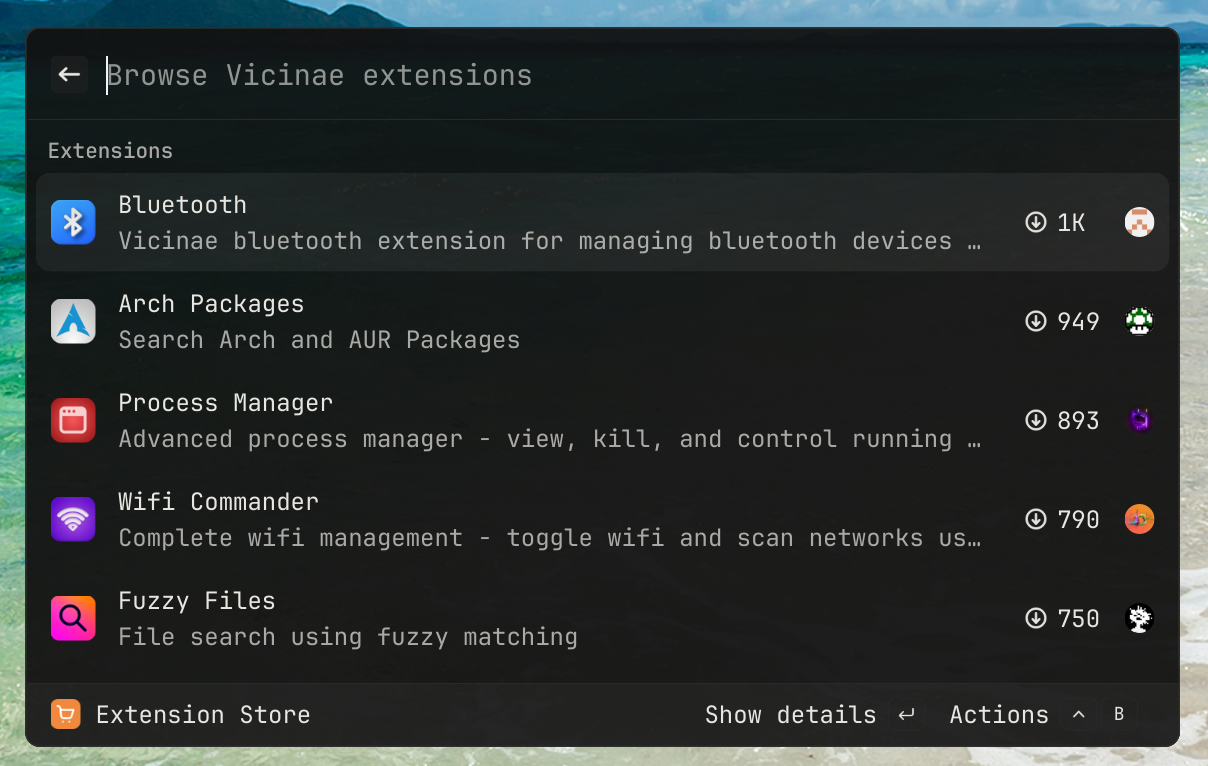
What really caught my attention is the Raycast compatibility layer. Many existing Raycast extensions work with Vicinae, which means the ecosystem isn’t starting from zero. Coming from the Keypirinha world where I had to build everything myself, having access to an existing catalog of extensions is a huge quality of life improvement.
Raycast extensions on Linux
Vicinae has a Raycast compatibility layer, so many existing Raycast extensions run on Linux through it. That gives the extension catalog a useful starting point instead of an empty store.
NixOS integration
Since I’m on NixOS, installing Vicinae is done through a flake:
vicinae.url = "github:vicinaehq/vicinae";And enabling it with Home Manager:
home-manager.sharedModules = [
  vicinae.homeManagerModules.default
];
There’s also a Cachix binary cache available so you don’t have to compile it from source:
nix.settings = {
  substituters = [
    "https://vicinae.cachix.org"
  ];
  trusted-public-keys = [
    "vicinae.cachix.org-1:1kDrfienkGHPYbkpNj1mWTr7Fm1+zcenzgTizIcI3oc="
  ];
};
How it compares to what I’ve used before
| Launcher | What was good | What was missing |
|---|---|---|
| Synapse | Fast, simple | Dead project, no extensions |
| Kupfer | Plugin system | Slow, dated UI |
| Albert | Clean UI | Stalled development |
| Rofi | Extremely configurable | Configuration is painful |
| Ulauncher | Easy to use | Limited, slight input delay |
| Keypirinha (Windows) | Fast, great plugin API | Windows only |
| Vicinae | Fast, extensible, batteries included | Still young, but actively developed |
For my workflow, Vicinae is the first Linux launcher that did not immediately make me miss Keypirinha.
If you’re on Linux and already have a pile of Rofi scripts or half-configured launchers, Vicinae is worth testing.
Comments