

For some time I was using minidlna to serve images from my Raspberry Pi to the TV. The problem was that some images simply would not load, and I could not get useful logs out of it. I wanted something I could run as a Docker container without spending an afternoon on config.
Until I found Gerbera, a “UPnP media server which allows you to stream your digital media through your home network and consume it on a variety of UPnP compatible devices.”.
First setup
To start, create a docker-compose.yml file with the following:
version: "3.3"
services:
  gerbera:
    image: gerbera/gerbera
    container_name: gerbera
    network_mode: host
    environment:
      PUID: 1000
      PGID: 1000
      TZ: America/Campo_Grande
    volumes:
      - gerbera-config:/var/run/gerbera
      - /mnt/dietpi_userdata/documentos/images:/content:ro

volumes:
  gerbera-config:
    external: false
Start the container and follow the logs to confirm Gerbera loaded the config:
$ docker-compose up -d && docker-compose logs -f
[+] Running 1/1
 ⠿ Container gerbera  Started                                                                                                 0.4s
gerbera  | 2023-07-05 07:41:51   info: Gerbera UPnP Server 1.12.1 - http://gerbera.io/
gerbera  | 2023-07-05 07:41:51   info: Copyright 2016-2022 Gerbera Contributors.
gerbera  | 2023-07-05 07:41:51   info: Gerbera is free software, covered by the GNU General Public License version 2
gerbera  | 2023-07-05 07:41:51   info: Loading configuration from: `/var/run/gerbera/config.xml`
gerbera  | 2023-07-05 07:41:51   info: Checking configuration...
gerbera  | 2023-07-05 07:41:51   info: Configuration check succeeded.
gerbera  | 2023-07-05 07:41:51   info: Loading 0 configuration items from database
gerbera  | 2023-07-05 07:41:51   info: Initialising UPnP with interface: <unset>, port: 49494
gerbera  | 2023-07-05 07:41:51   info: IPv4: Server bound to: 192.168.1.50:49494
gerbera  | 2023-07-05 07:41:51   info: IPv6: Server bound to: :0
gerbera  | 2023-07-05 07:41:51   info: IPv6 ULA/GLA: Server bound to: :0
gerbera  | 2023-07-05 07:41:51   info: Will send UPnP Alive advertisements every 60 seconds
gerbera  | 2023-07-05 07:41:51   info: The Web UI can be reached by following this link: http://192.168.1.50:49494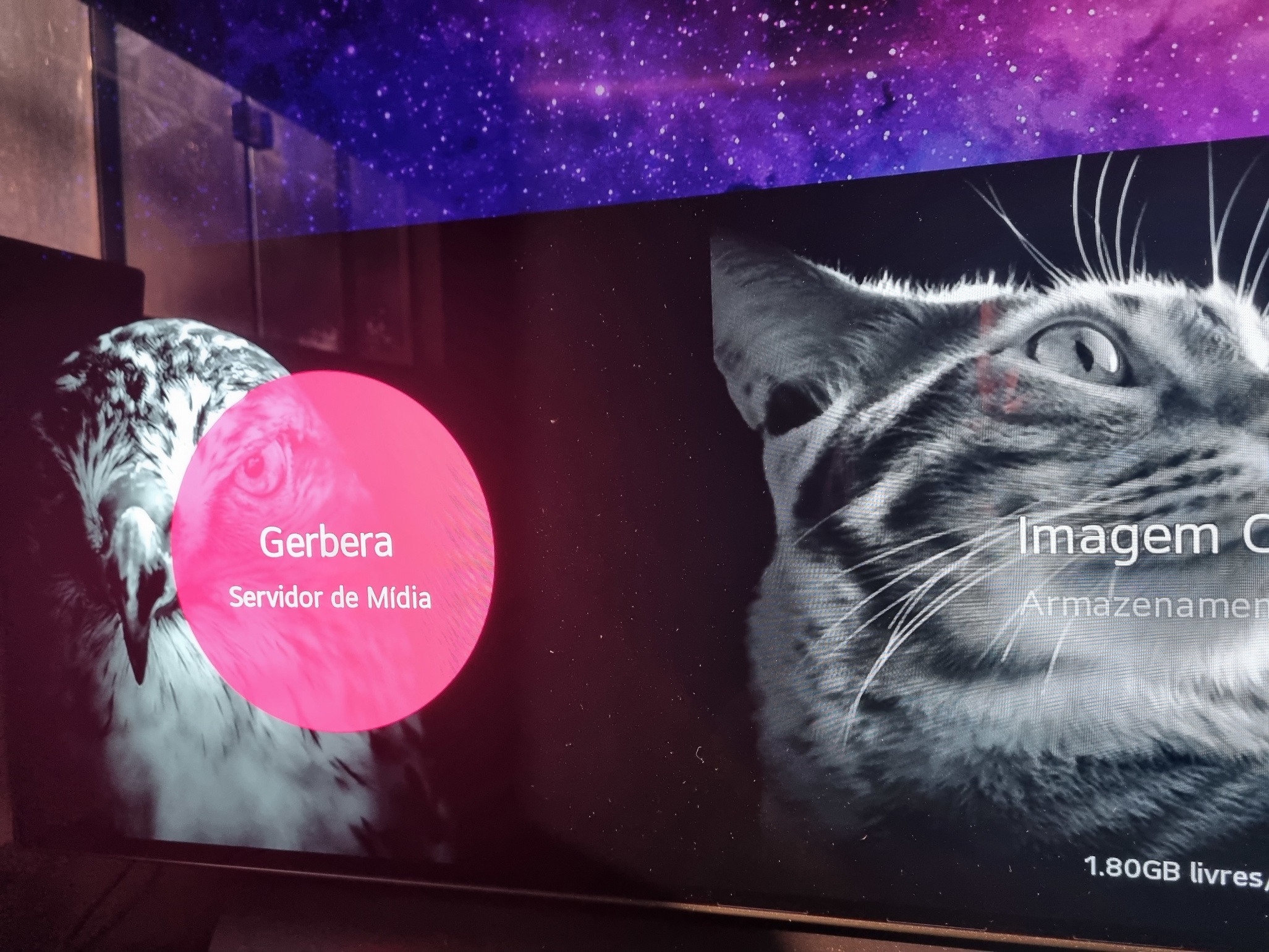
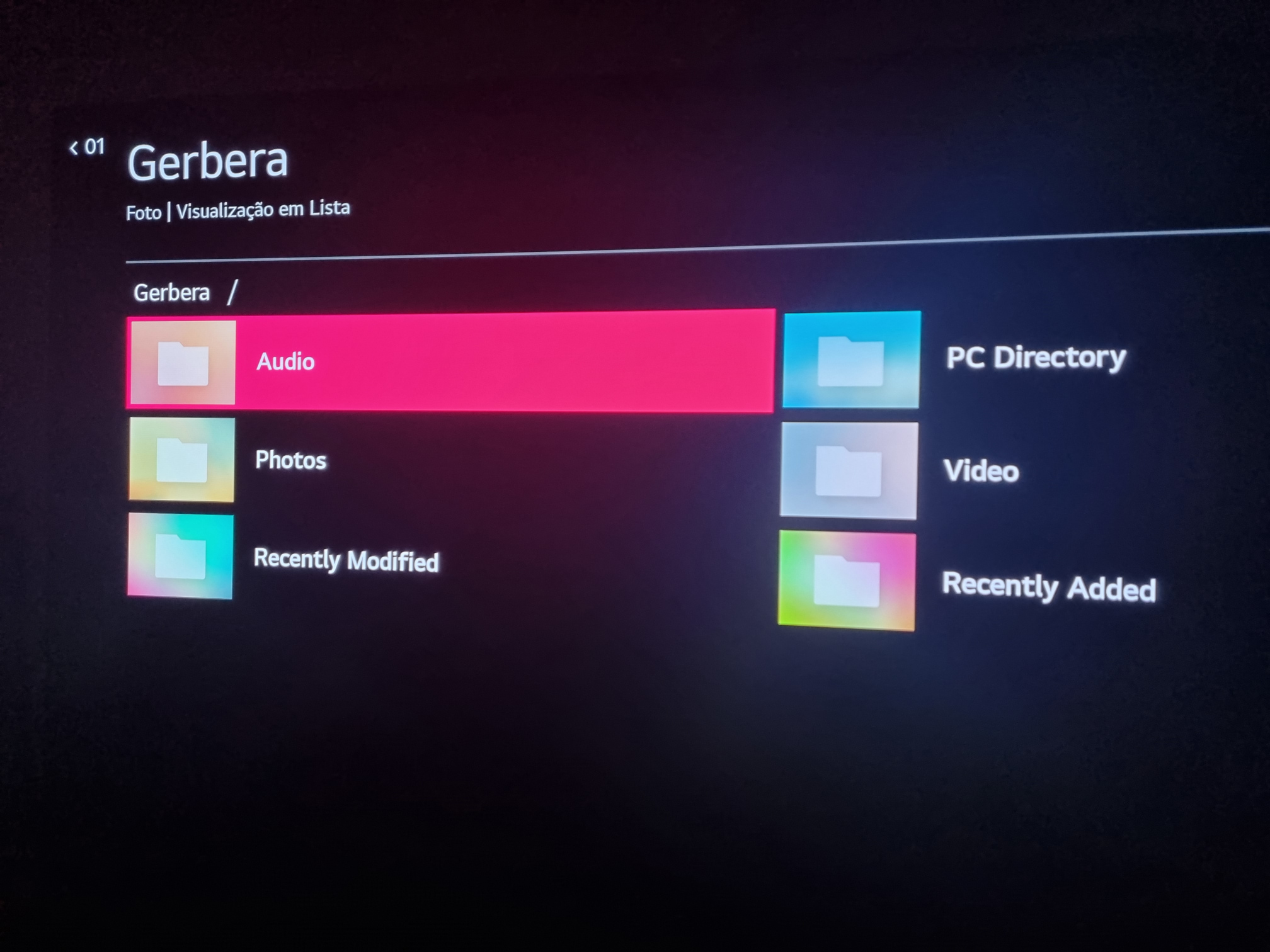
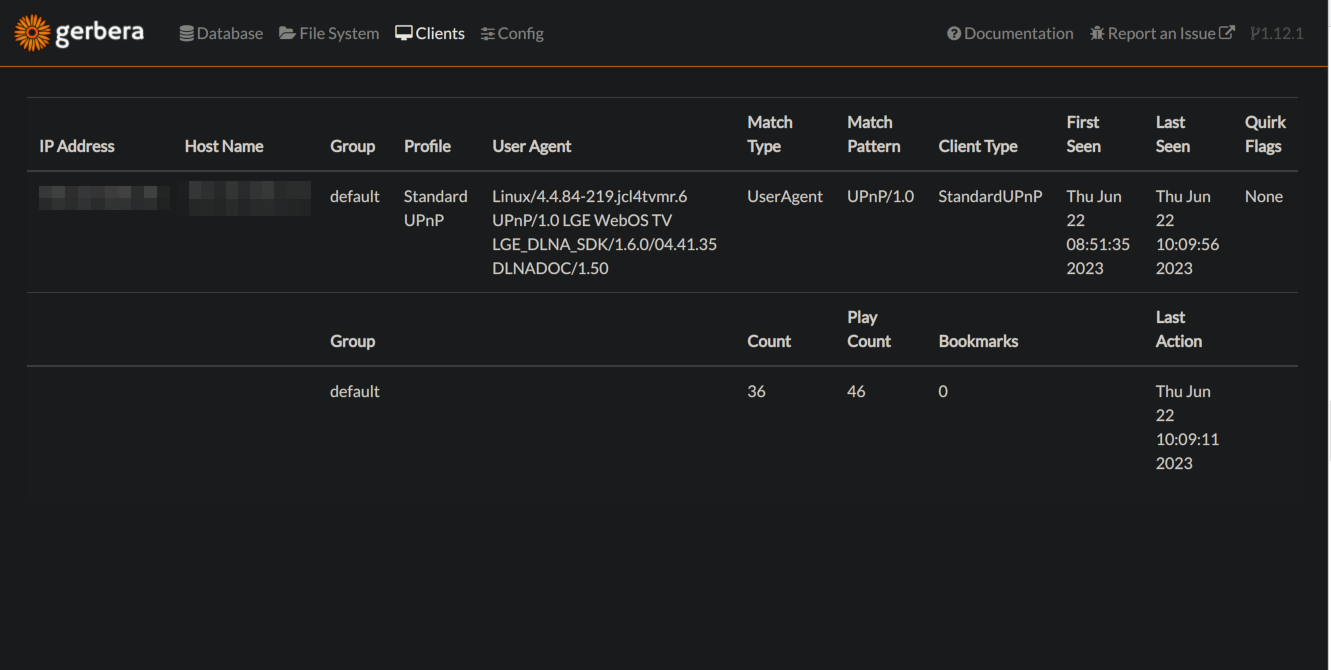
You can access the dashboard at http://IP:49494 to check connections and indexed files:
Configuration
Gerbera has a lot of configuration options. I started from its generated template by running the --create-config command:
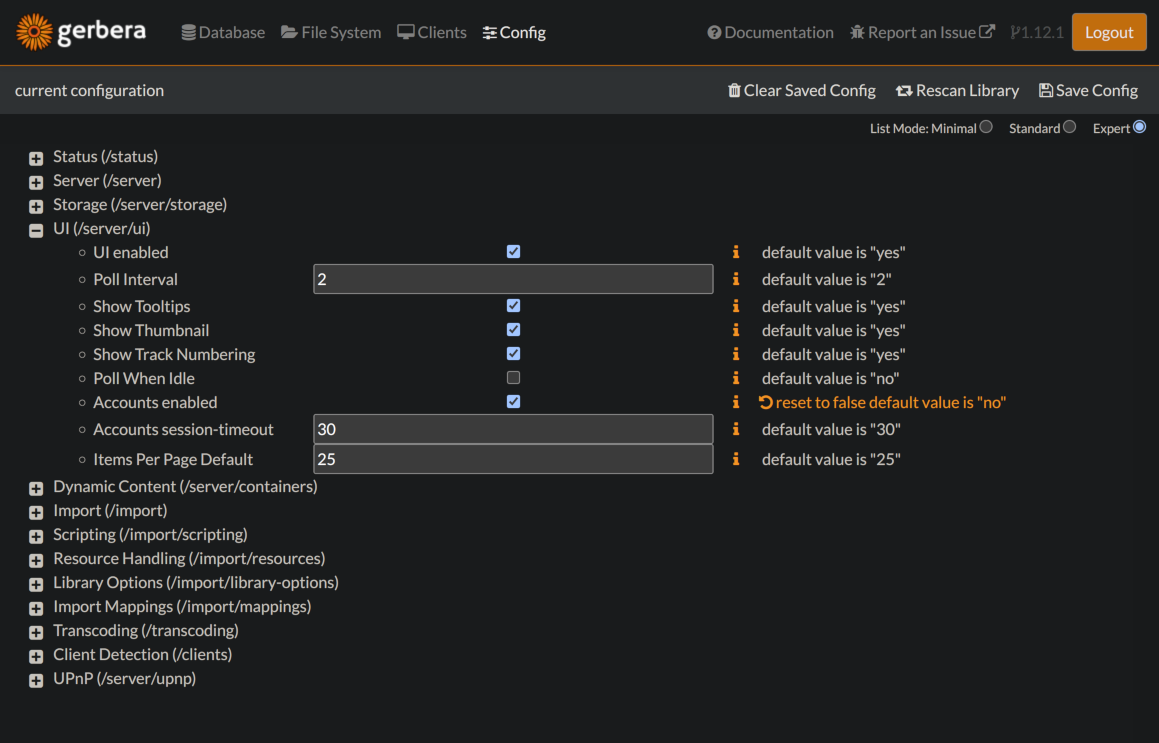
docker-compose exec gerbera gerbera --create-configIt’ll output the configuration template to stdout. You can also adjust settings from the dashboard:
Comments